Android App · Invite-only testing

IRL+ Cast

IRL Broadcasting and Screencasting from your phone

Go live over RTMP, SRT, UDP or SRTLA, bond cellular and Wi-Fi into one connection, and read your chat over the top of it all.

Testing is invite-only. Register above, or ask in the Discord.

Join the Closed-testing

Fill this in and we will get back to you.

Not loading? Open the form in a new tab

Both cameras at once

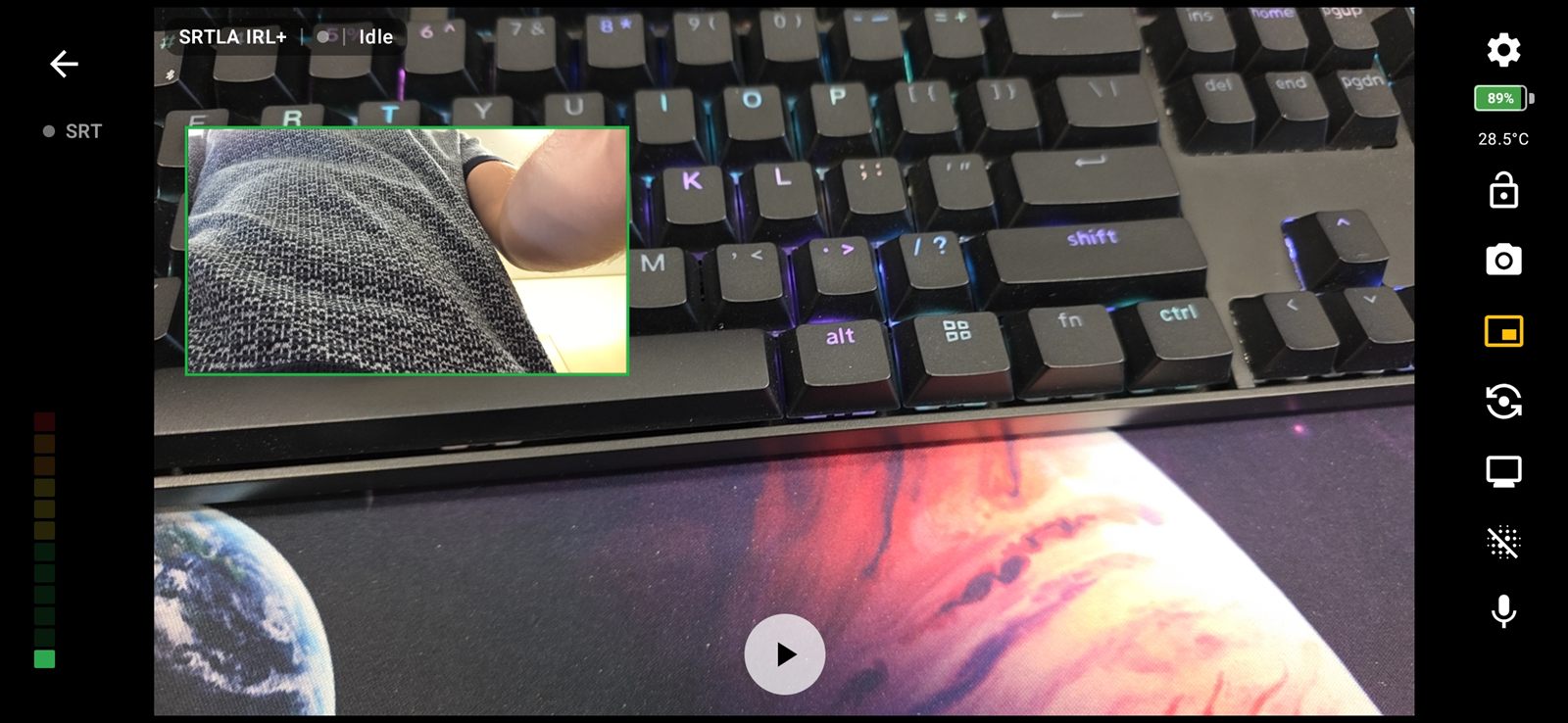
Put the front camera over the rear feed, or the other way round. Drag it anywhere, pinch to resize, swap the two with one button, and style the frame to suit the shot.
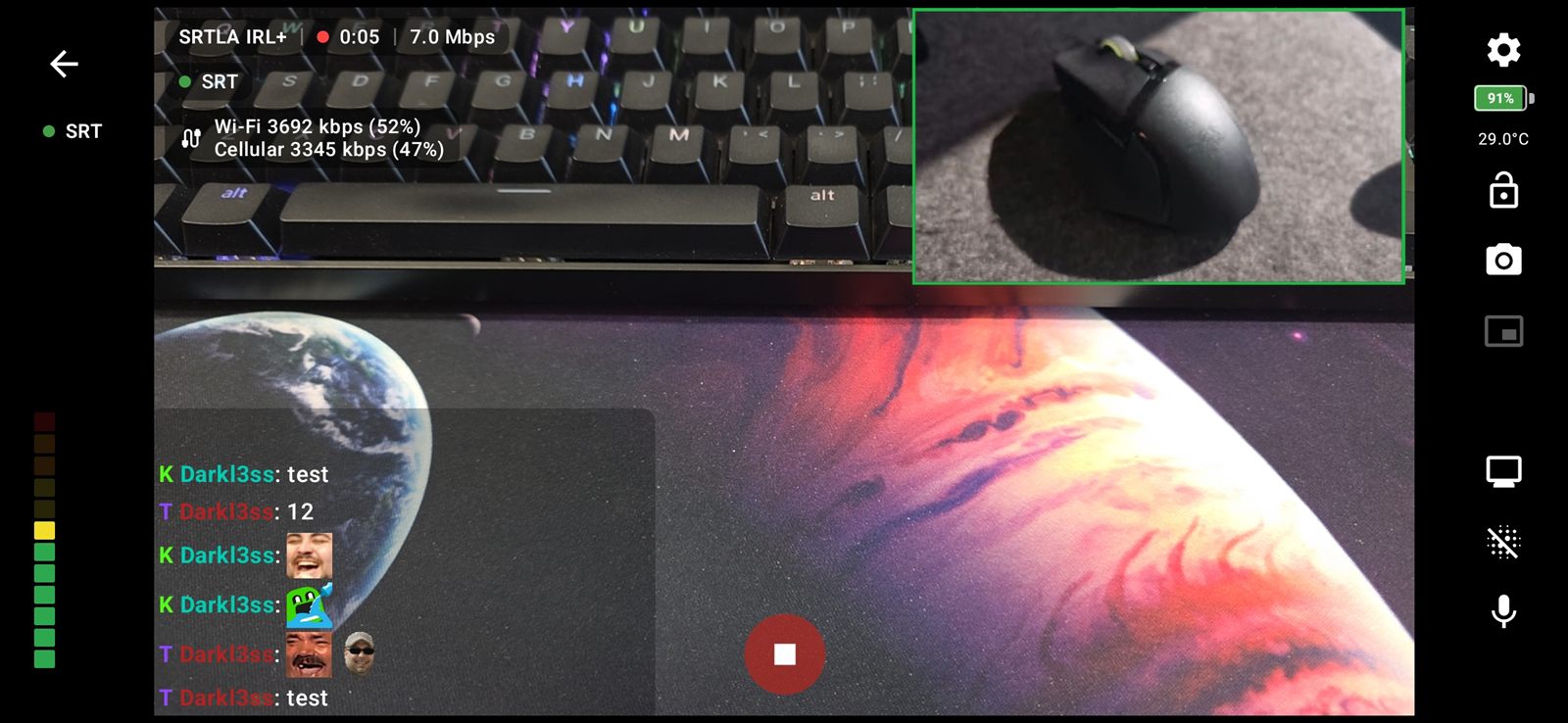
Picture-in-Picture with one camera inset over the otherPicture-in-Picture
Picture-in-Picture frame styling with an adjustable border and a colour pickerFrame styling and colour picker

What is IRL+ Cast?

A native Android app for going live from a phone, whether that means broadcasting from its cameras, casting the screen to OBS, or bonding several connections into one stream that survives a walk through a dead spot.

Built for streaming on the move

Core Features

Everything needed to get a stable picture out of a phone and into your stream.

Camera Broadcasting

Live from the phone's cameras over RTMP, SRT, UDP or SRTLA.

  • Camera picker listing every lens with its field of view
  • Pinch to zoom, presets from 0.6x to 10x
  • Video stabilisation, on by default
  • Frame rate selector, 30 or 60
  • Landscape 720p and 1080p presets

Screen Casting

Send the phone's screen to OBS, or straight out to a local machine.

  • Casting to OBS over RTMP and SRT
  • UDP RAW for low latency on a local network
  • Plain SRT built on libsrt
  • Works with GStreamer, OBS and MediaMTX
  • Optional SRT encryption with an AES passphrase

Network Bonding

Combine cellular, Wi-Fi and relays so one dropout does not end the stream.

  • SRTLA bonding across cellular and Wi-Fi
  • Interface bonding via Moblink relay
  • Adaptive and Balanced modes
  • Per-link priority sliders
  • Maximum bitrate per connection
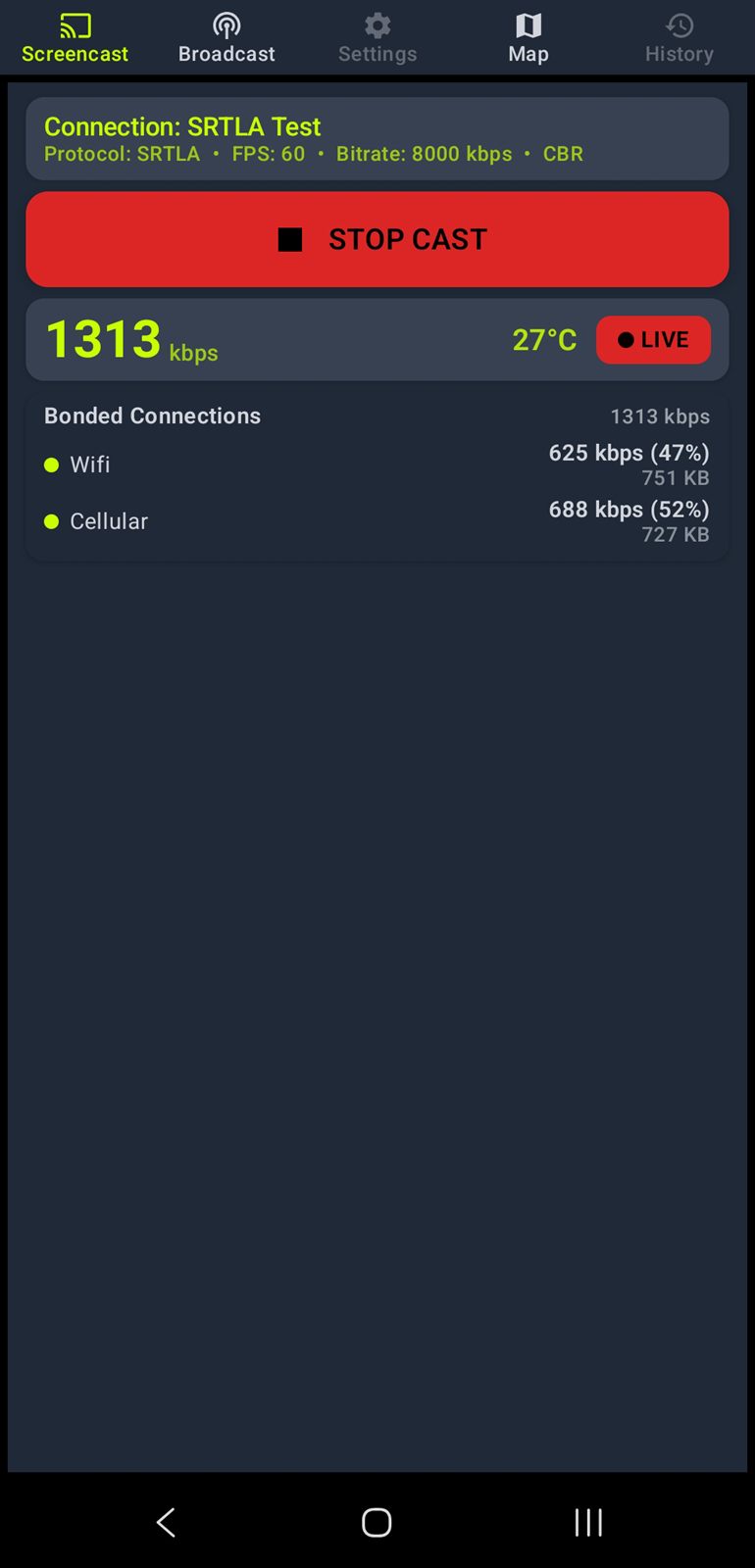
  • Bonded links panel showing rate and share

Twitch & Kick Chat

Read your chat over the stream, with no account needed.

  • Merge Twitch and Kick into one window
  • Every message tagged with its service
  • BTTV, FFZ, 7TV and Kick emotes, animated included
  • Draggable and resizable, with a lock
  • Text size, background opacity and message fade
  • Chat kept across restarts

SRT & RTMP Inputs

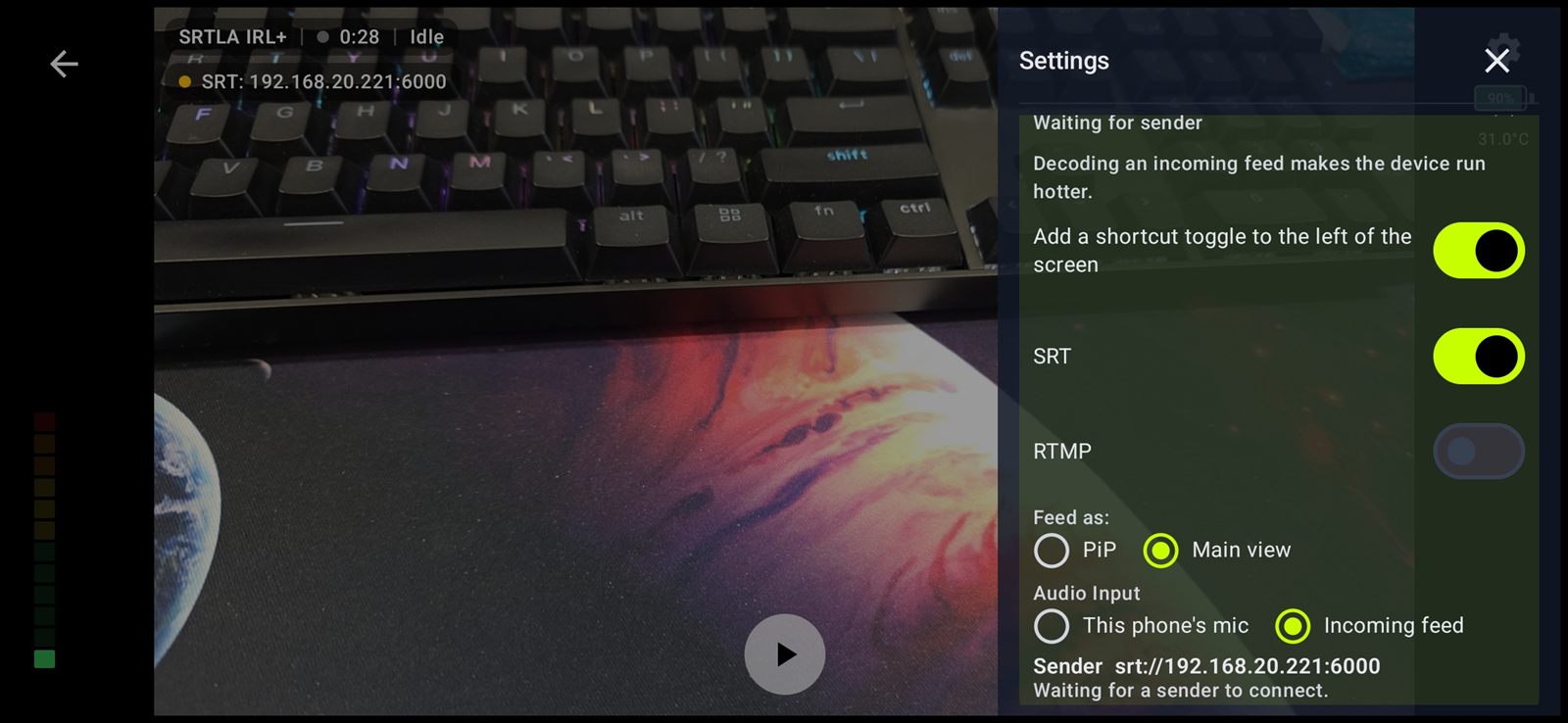
Feed another camera into the Broadcaster over your local network.

  • Send from a second phone or an action camera
  • GoPro, Osmo and similar
  • Both SRT and RTMP inputs
  • Show as Picture-in-Picture or promote to main
  • Choose where the audio comes from
  • Status pill for waiting, receiving or a problem

Picture-in-Picture

Both cameras at once, arranged how you want them.

  • Front camera inset over the rear feed, or the reverse
  • Draggable, pinch to resize
  • One button to swap them
  • Adjustable frame border
  • Colour picker for the frame

Connection Health

See what the network is actually doing while you are live.

  • Live RTT, buffer, loss and retransmits
  • Status pill with connection, elapsed time and bitrate
  • Bitrate turns red below your low-bitrate threshold
  • Adaptive bitrate responding to real conditions
  • Tap to collapse the pill

Data & Battery

Know what a stream is costing you in data, charge and heat.

  • Per-connection data usage, live and in history
  • Data warnings per link, with optional vibrate
  • Battery level and temperature on screen
  • Automatic bitrate reduction when the phone overheats
  • Hide the preview to save power without affecting the stream

Privacy & Safety

For the moments you would rather not broadcast.

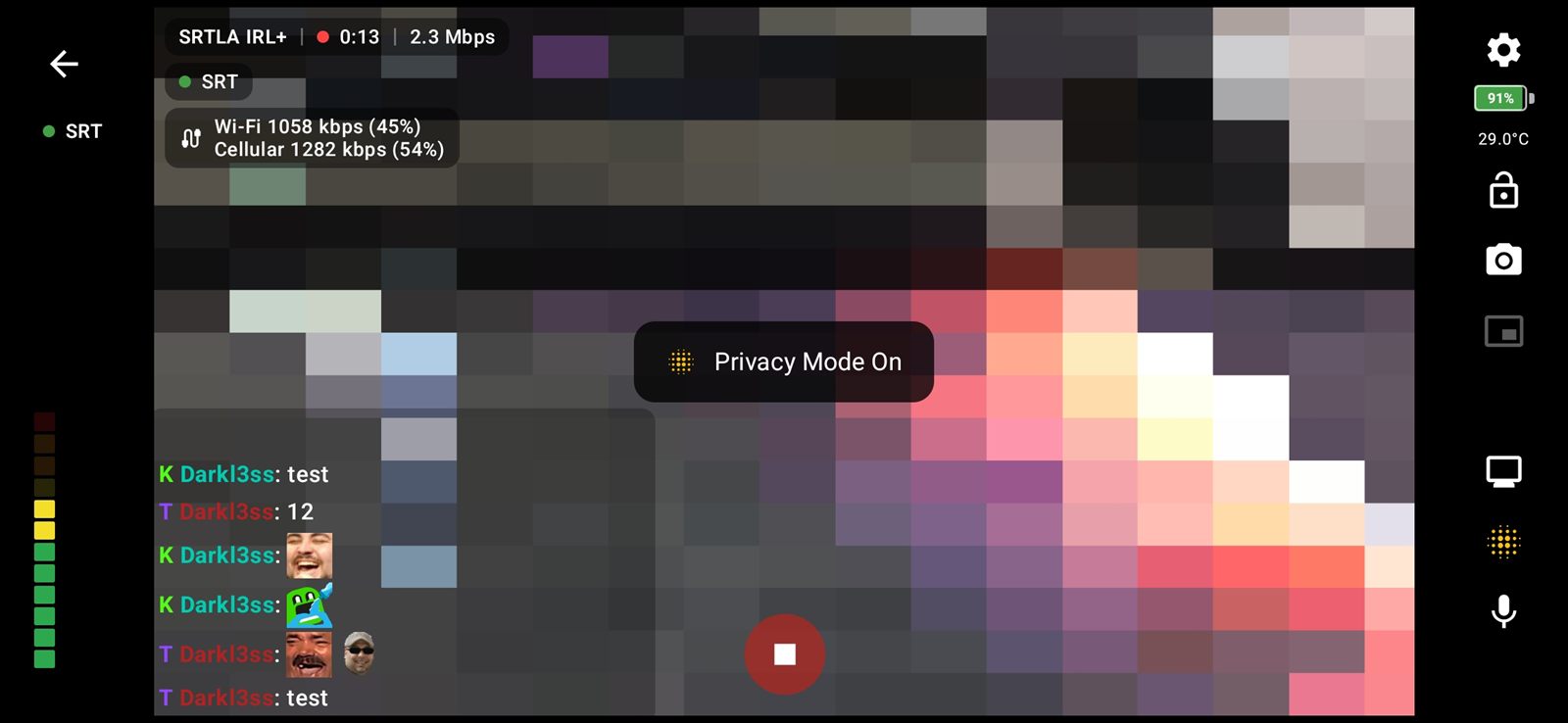
  • Privacy mode pixelates the camera
  • Applies to both the preview and the stream
  • Notice stays on screen while privacy is active
  • Screen lock freezes controls against stray presses
  • Keeps streaming when you switch apps

Audio

Pick your source and watch the level before you go live.

  • Microphone selection including USB mics
  • Live level meter
  • Choose the audio source for incoming feeds

Dead Spot Map

Learn where your usual routes fall over, before they do it live.

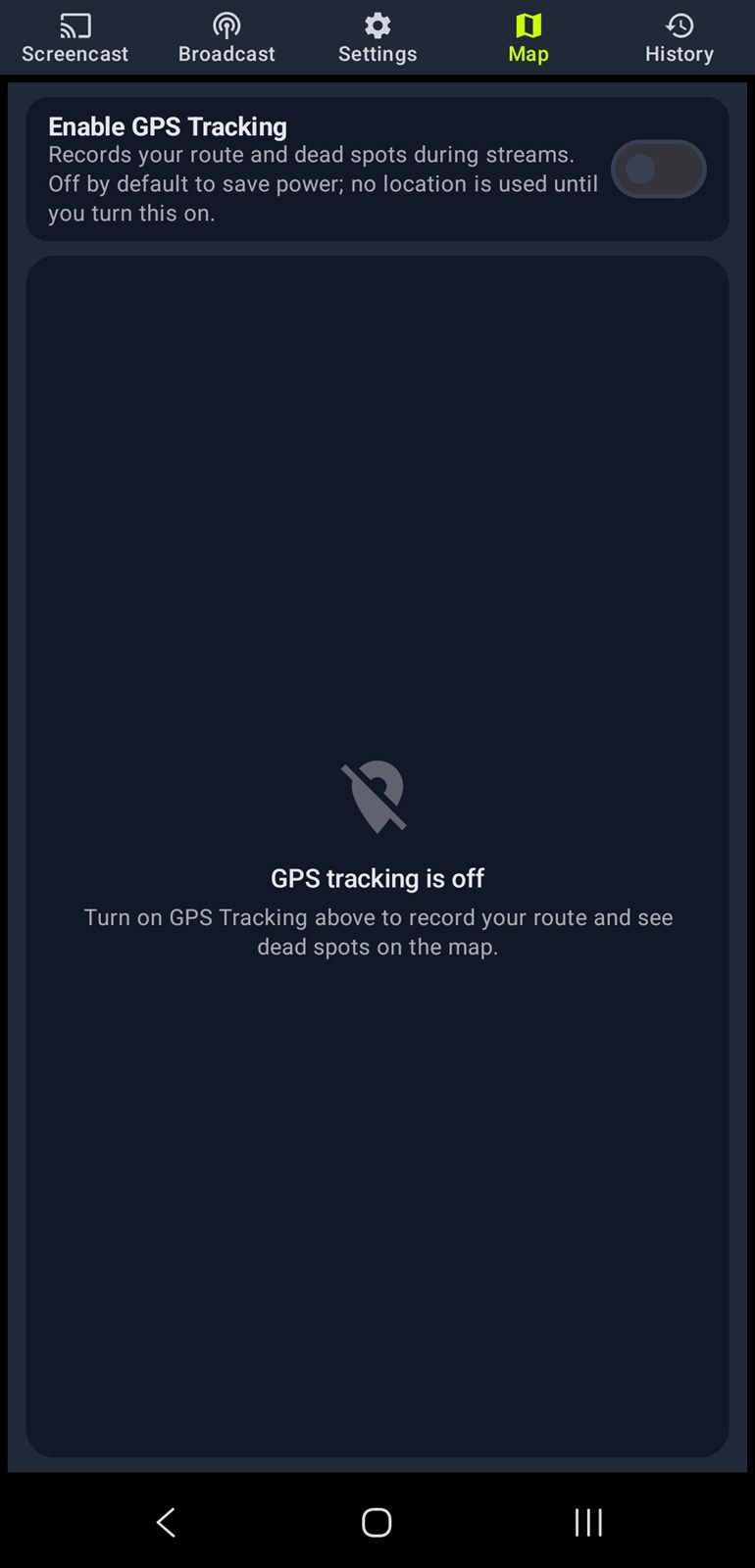
  • GPS tracking with its own toggle on the Map tab
  • Optional and off by default
  • No location prompt on install

Stream History

Every session recorded, with the numbers that matter.

  • Recorded whether GPS is on or off
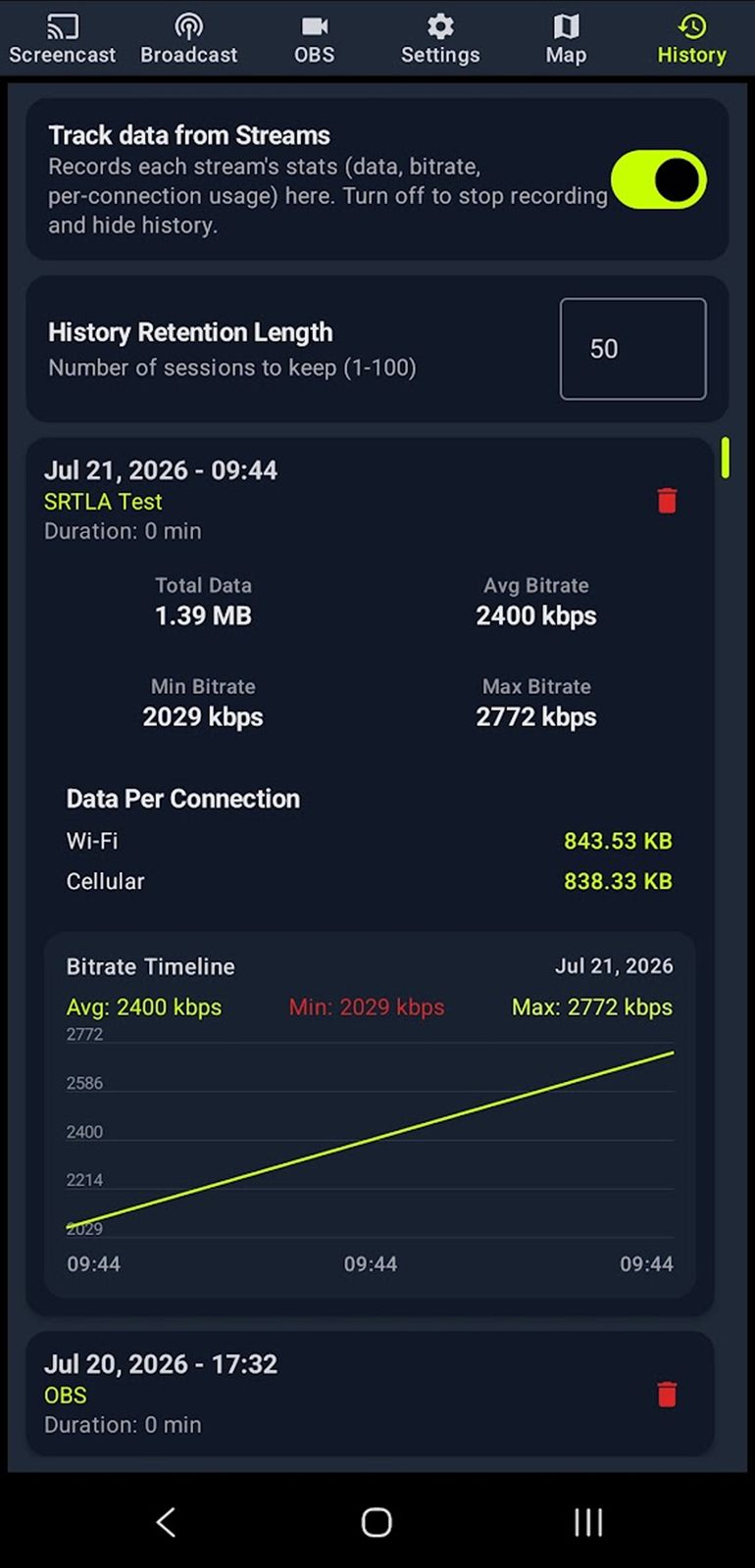
  • Per-connection data usage per stream
  • Track data from Streams toggle

A closer look

SRT and RTMP inputs receiving a feed from another camera over the local networkSRT & RTMP Inputs
Privacy mode pixelating the camera in the preview and the streamPrivacy Mode
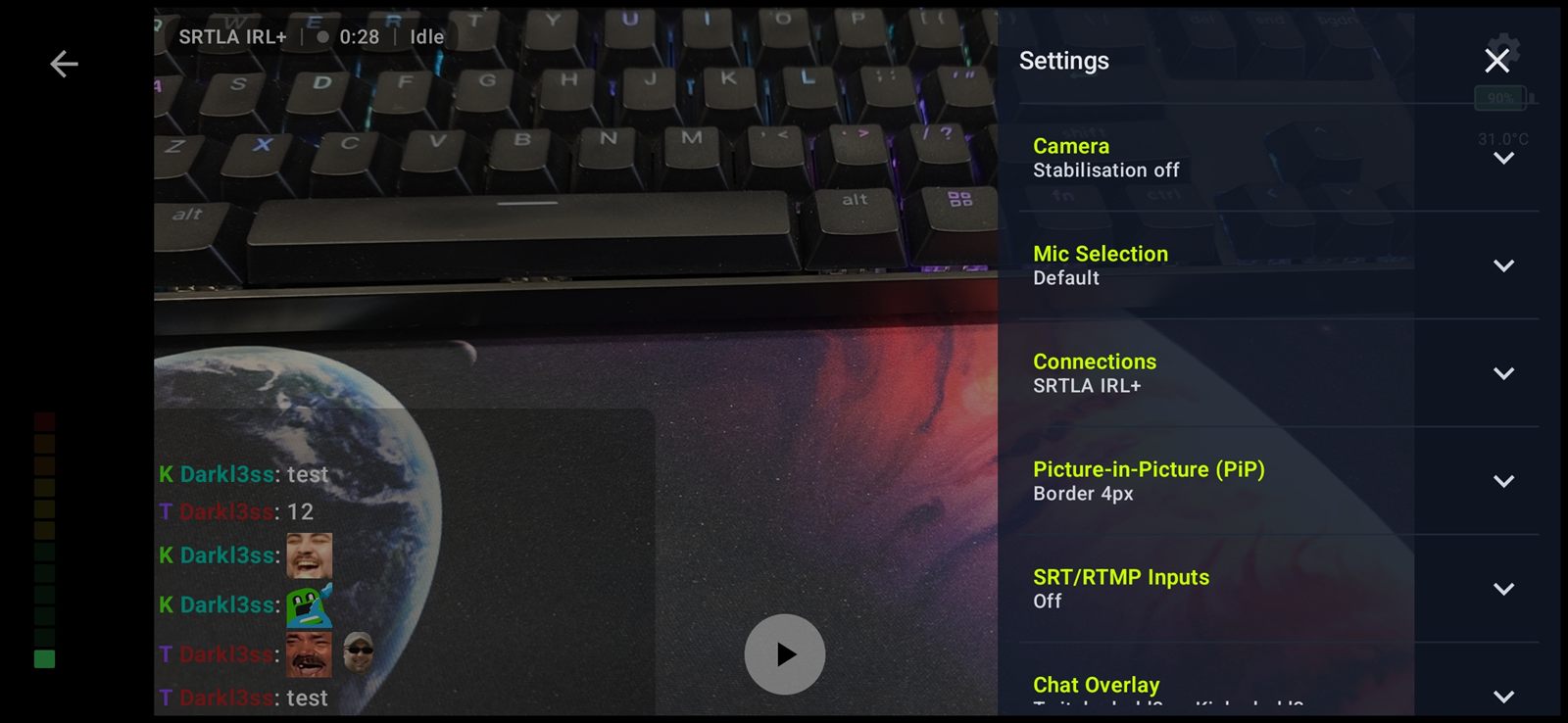
The Broadcaster settings drawerBroadcaster Settings
IRL+ Cast screen casting to OBS with connection settings
Dead spot map with GPS tracking of your route
Stream history with per-connection data usage

Bonding & Protocols

Four ways out, and the tools to keep the picture up when one of them struggles.

connection

Outputs

  • RTMP
  • SRT, built on libsrt
  • SRTLA, with srtla:// addresses
  • UDP RAW for local low latency
  • Optional SRT encryption with AES

Bonding

  • Cellular and Wi-Fi together
  • Moblink relay for spare phones
  • Adaptive and Balanced modes
  • Per-link priority and bitrate caps
  • Independent SRTLA scheduler

Chat Over Your Stream

Twitch and Kick, merged into one movable window on top of the Broadcaster. No account needed to read along.

Both Platforms

  • Set a Twitch channel and a Kick channel
  • Both merged into a single window
  • Each message tagged with its service
  • No login required to read chat

Emotes

  • BTTV
  • FrankerFaceZ
  • 7TV
  • Kick emotes
  • Animated emotes included

Placement

  • Drag anywhere on screen
  • Resize to suit the shot
  • Lock it once positioned
  • Adjustable text size

Appearance

  • Background opacity
  • Message fade
  • Chat kept across restarts
  • Clear chat option

OBS & Extras

Control your scenes from the phone, and carry your setup between devices.

OBS WebSocket

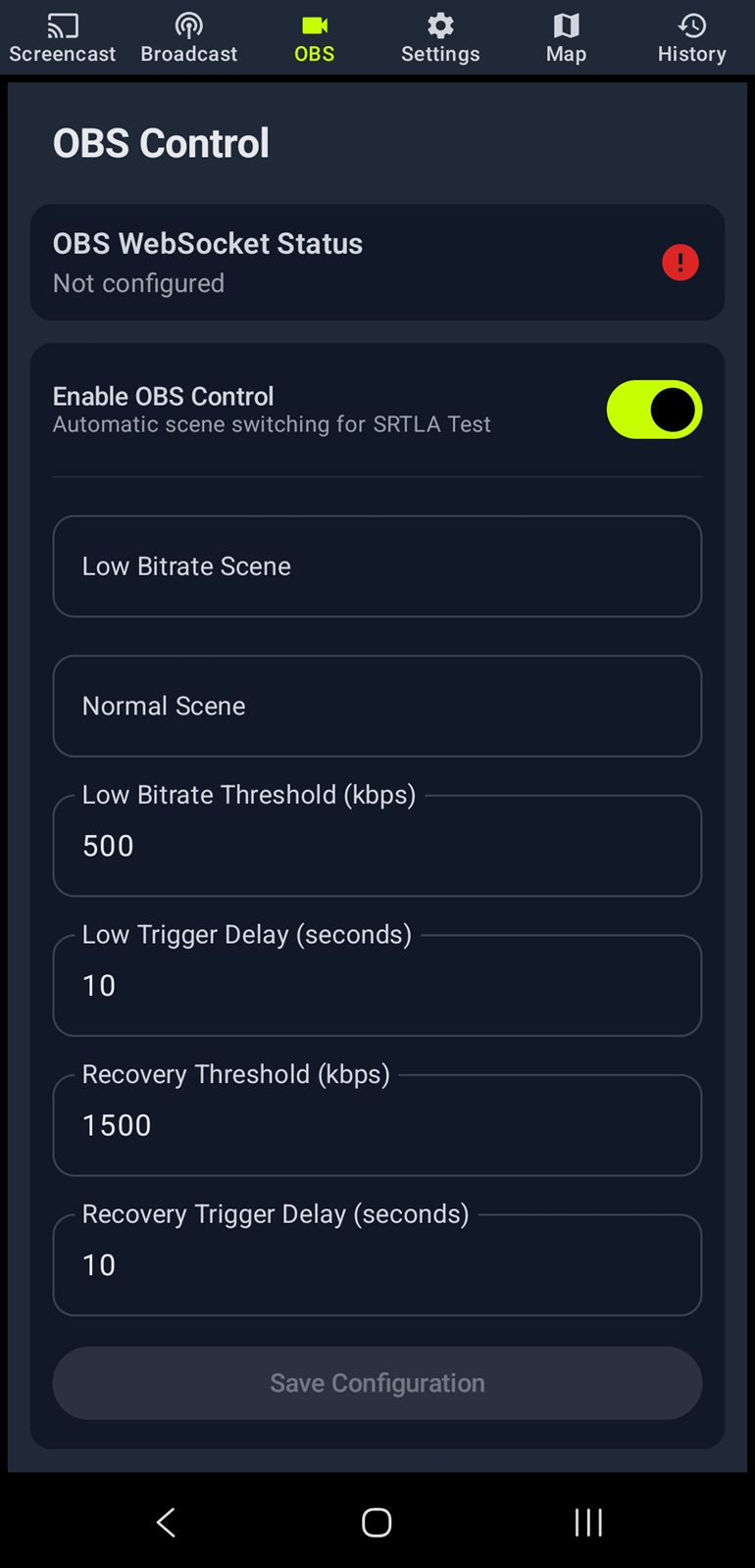
  • Scene control from the app
  • Cast the screen into OBS over RTMP or SRT
  • Works alongside a UDP RAW feed on a local network

Setup & Portability

  • Export and import all settings
  • Multiple app themes
  • Check for Updates in Settings
  • Open Source Licences screen
OBS WebSocket scene control inside IRL+ Cast OBS Control
0
Protocols
0
Zoom
0
Emote Sets
Customisation

What You Need

minimum.txt

# Minimum

  • An Android phone
  • A stream target that accepts RTMP, SRT or UDP
  • A mobile data or Wi-Fi connection
recommended.txt

# Recommended

  • An SRTLA receiver for bonding
  • Cellular and Wi-Fi active together
  • A spare phone as a Moblink relay
  • OBS with WebSocket enabled for scene control
  • A USB microphone for better audio